

How to Automate Your Substack Posts to Other Social Media Platforms in One Afternoon
Step by step...it's easier than you think.

So far I have only been posting on Substack. That has been my one and only platform since I started here from 0 two years ago.
But seeing other writers being successful with bringing subscribers from other platforms, plus the idea of repurposing my content to other platforms and audiences has been haunting me. That’s why I finally wanted to give that a try.
I researched which platforms seem to be working best and it’s the classic ones: Facebook, Instagram and Pinterest.
And if you know me already, you know that I didn’t want to do this by hand, but create automations that do it for me. That look at my Substack posts and automatically create texts, images and videos and post them on the other platforms.
That’s exactly what I set up yesterday, in one afternoon, and which made me have a running automated system by the evening.
Today, I want to show you the exact setup. It’s less frustrating than you might think. The hardest part is knowing which three or four traps to walk around.
Premium members get my workflows with every prompt included, plus my full Toolbox. Free readers get the idea. Both are fine, one is faster.
Why I finally did this
My articles live on Substack.
That’s where the business is.
But every article I publish has maybe two days of life in the feed. Meanwhile Pinterest treats content like a search engine treats web pages: a good pin keeps bringing traffic for months.
Instagram builds recognition with people who will never find me on Substack.
Facebook, honestly, does very little organically these days, but the account has to exist anyway because Instagram requires it, so it may as well get a copy of everything.
The goal was never “be active on four platforms.” I have a newsletter to write. The goal was: every article I already write gets repurposed and distributed automatically.
The stack, and what it costs
Here’s everything the system uses:
Make.com, free tier. This is the machine in the middle. Two scenarios on there are free, I wanted to set up 3, which now made me pay $10/month per it. But I’m planning to use it even more, this is just the beginning.
Business accounts on Facebook, Instagram, and Pinterest. All free. “Business” is an account type, not a paid plan. I avoided this for weeks because I thought it meant spending money. It doesn’t.
A folder on my own website where images live at public URLs. Any hosting works.
An AI assistant that generates the images and captions. I use Claude with an image model, but the system doesn’t care where the content comes from.
FYI: What you do NOT need is a Meta developer account. I burned over an hour in that maze yesterday and I’ll save you the trip below.
The pattern: one webhook, one module
Everything runs on the same two-piece pattern in Make. A webhook, connected to a platform module.
A webhook is just a private URL that Make.com gives you. Anything you send to that URL gets handed to the next module in line. So the Facebook automation is literally two circles on a canvas: a webhook that receives {”message”: “your post text”}, wired to a “Create a Post” module that publishes it to your page.
Instagram is the same pattern with two fields, an image URL and a caption. Pinterest has five, including which board the pin lands on. That’s the entire architecture. Three scenarios, six modules total.
Set up each one like this:
New scenario. Add a “Custom webhook” module first.
Add the platform module after it: Facebook Pages “Create a Post”, Instagram for Business “Create a Photo Post”, Pinterest “Create a Pin”.
Click “Create a connection” on the platform module. A normal login popup opens. You approve it the way you’d approve any app. This is the step I expected to be hard, and it’s three clicks, because Make’s integration already has all the posting permissions approved.
Map the webhook fields into the module fields.
Step 4 has a trap, which brings me to the part of this article that will save you the most time.
Define your data before you send it
Make wants to know what your incoming data looks like before you can map fields. The default flow for this is called “Redetermine data structure”: the webhook listens, you send it a test, it learns the shape.
Skip that entirely. It’s a race condition in disguise. If your scenario is running, the live version eats the test before the editor sees it. I lost three rounds to this before finding the deterministic way:
Open the webhook’s settings, enable advanced settings, and under “Data structure” click Add, then Generate. Paste a sample of your payload:
{”image_url”: “https://yoursite.com/pin.jpg”, “title”: “Pin title”, “description”: “Pin description”, “link”: “https://yoursite.com/article”}
Save. Done. The fields now exist as mappable items, the listening race never happens, and mapping becomes clicking four pills into four boxes.
Quick note before the build: everything below also exists as a finished kit.
The Social Autopilot has the three blueprints ready to import plus a setup skill your AI assistant walks you through.
Posting is now one command
My actual workflow now: I write an article, my assistant generates the images and platform copy, I approve everything in one review, and the payloads fire.
The approval step stays human on purpose.
Pinterest’s rules require a person to choose each pin, and honestly, I want the last look anyway.
The four traps, collected
The Meta developer account is a dead end for posting. The official-looking path, creating your own app at developers.facebook.com, cannot get posting permissions anymore for new app types. The permission simply doesn’t appear, no matter which menus you dig through. I dug through all of them. Use Make’s pre-approved connection and get the afternoon back.
Never use “Redetermine data structure.” Define the structure from a JSON sample instead. Deterministic beats stateful every time a human is in the loop.
“Accepted” is not “posted.” The webhook saying 200 only means Make took the payload. My first three pins vanished politely into a scenario that had no Pinterest module attached yet. Check the scenario History for green circles, then check the platform itself.
Proofread every generated image. Text-in-image models are good now, and they still stutter. Every image gets a human read before it ships.
The results
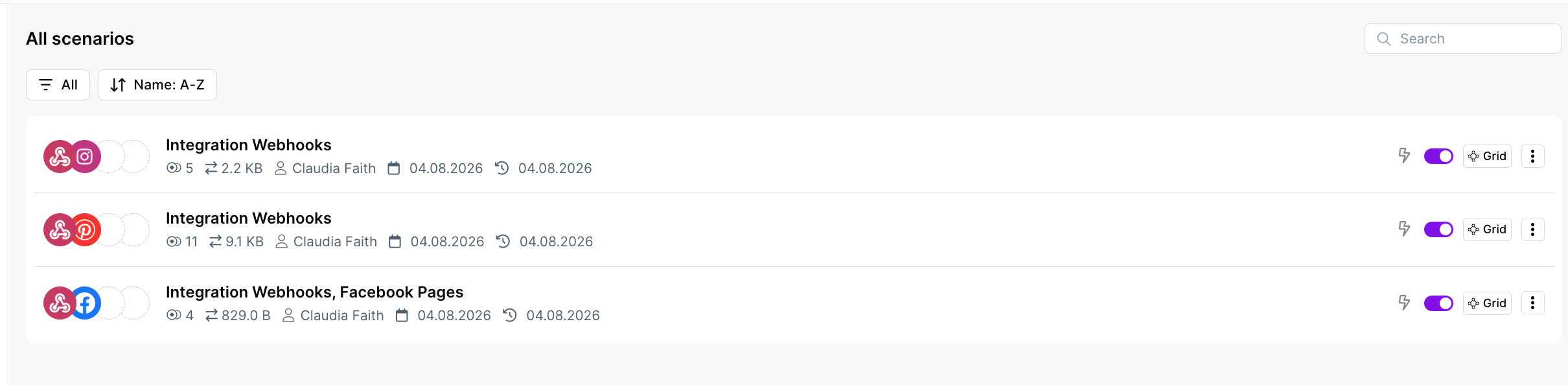
One afternoon of setup. Here’s what exists now that didn’t exist yesterday morning:
Make.com scenarios I created
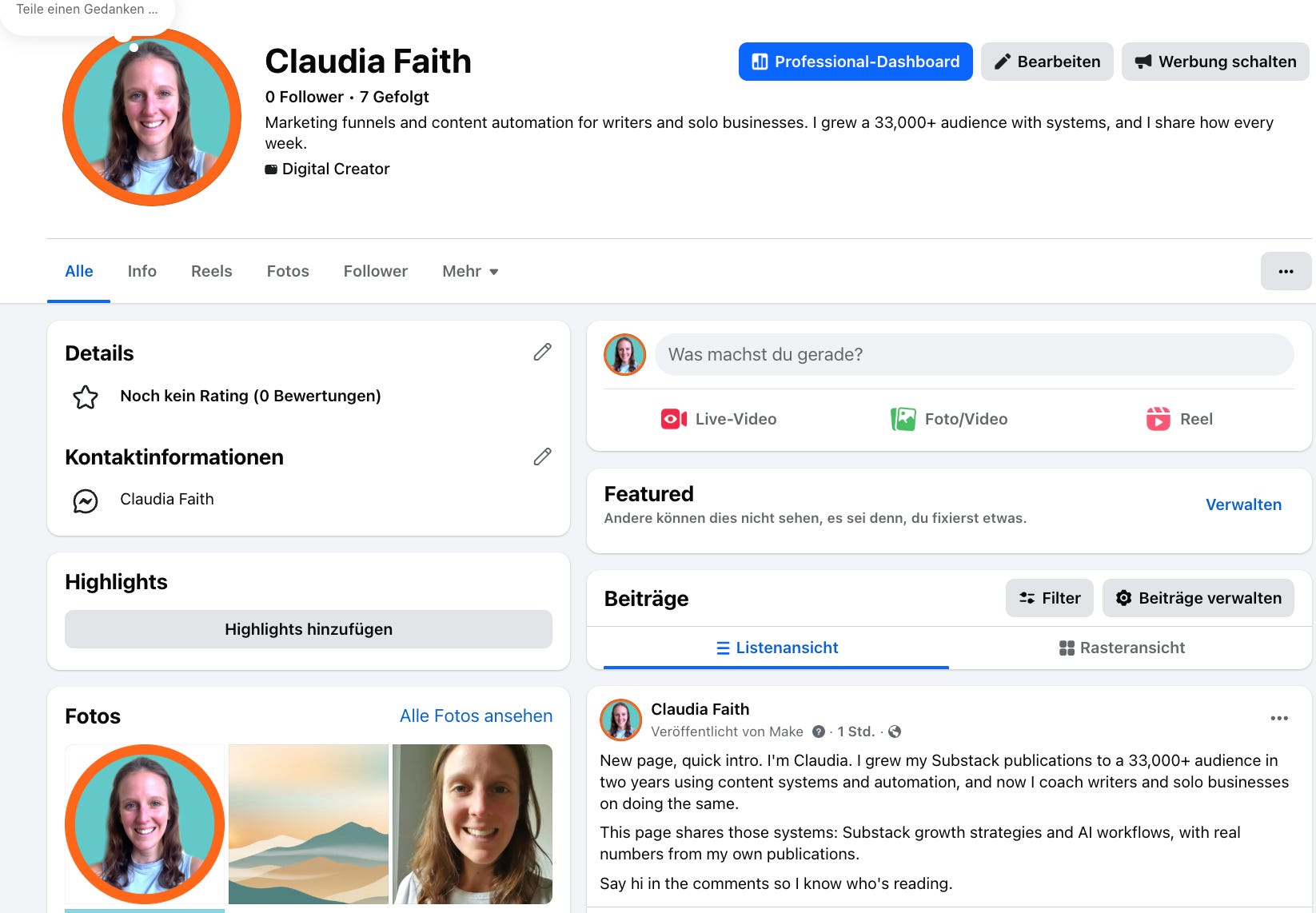
Automatic Post on Facebook
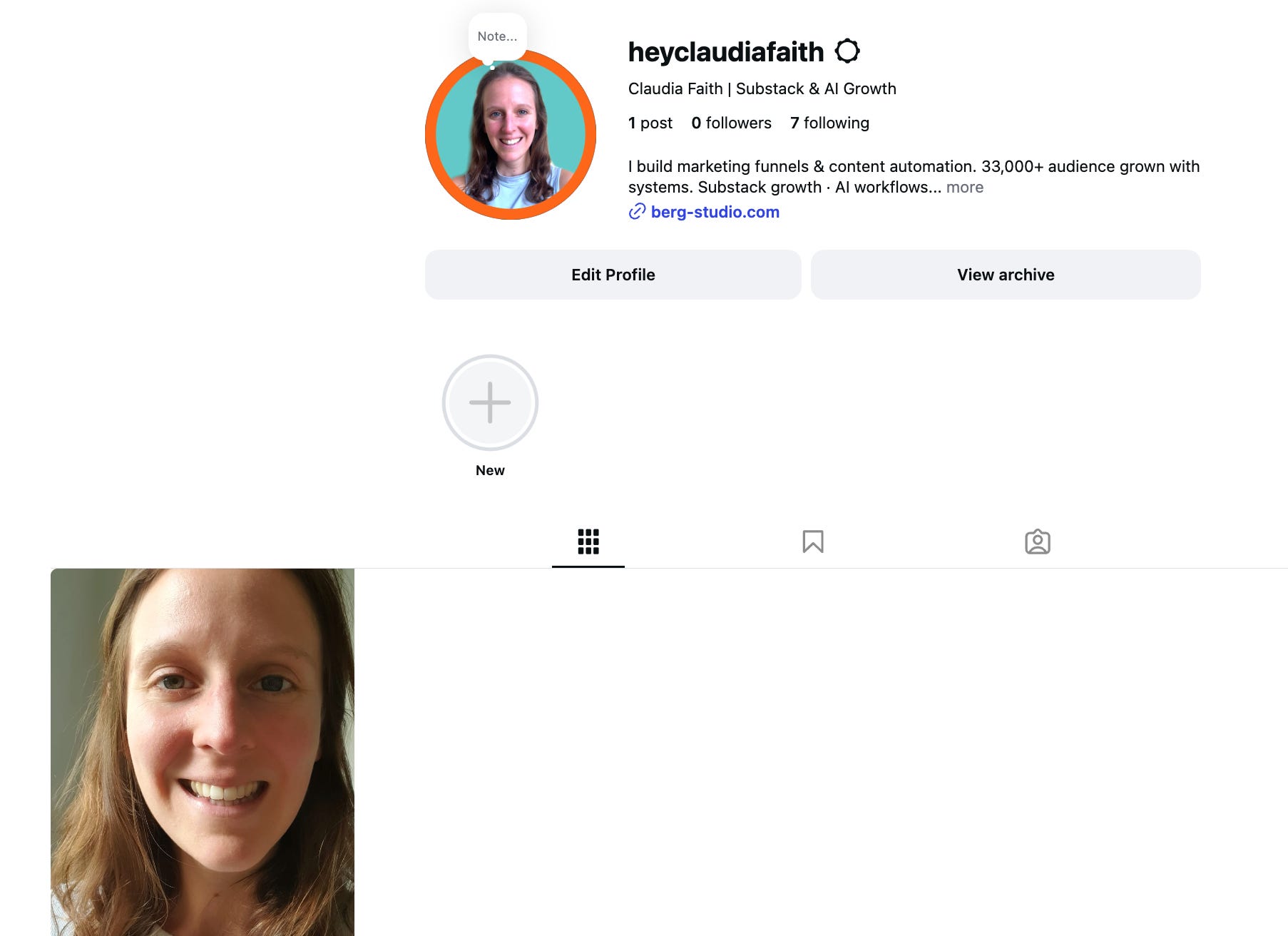
Automatic Post on Instagram
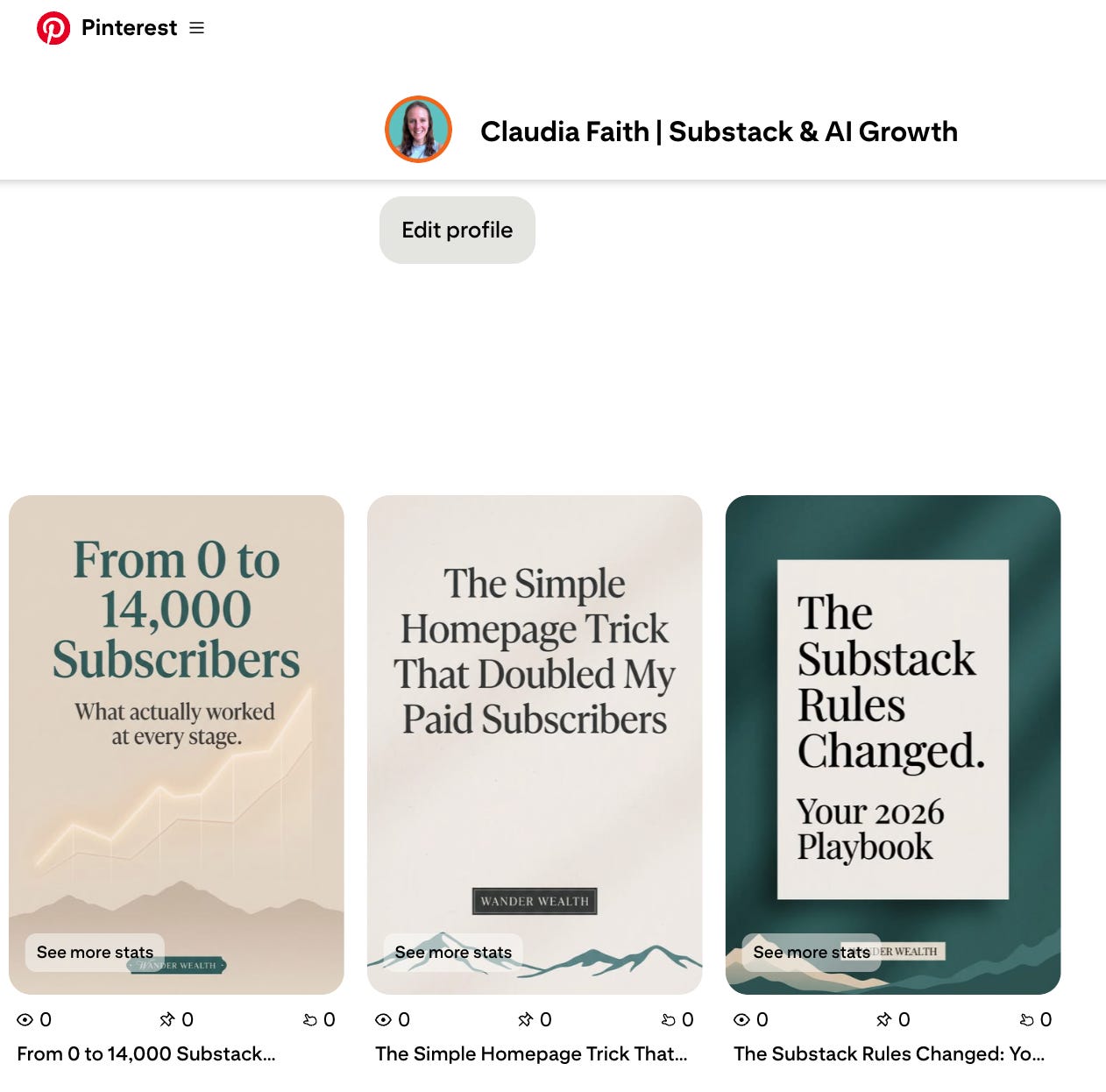
Automatic Post on Pinterest
Every future article flows through the same pipeline.
If you publish anything regularly, this is one of those systems that can actually save you time: an afternoon once, against hours of manual posting every single week, forever. Build it on a day when your article is already done, follow the steps in order, and walk around the four traps.
Or skip the building: I packaged the three ready-to-import blueprints plus a guided setup skill for your AI assistant as The Social Autopilot. One afternoon becomes twenty minutes. It's $69 at berg-studio.com/autopilot.
Was this helpful? 🧡
Share it with someone who publishes online and still posts everywhere by hand.
Go deeper with me
Premium subscribers get:
Weekly Workflows: one complete, installable AI workflow every week, tested in my own business first
The Full Studio Toolbox: every skill, prompt, and template I use to run my content and client work
Monthly Money Workshop: a live session where we work on your offer, funnel, and pricing together
Hi Claudia! Question - why use make rather than have Claude run the whole thing? I assume this is a cost saving issue but wanted to make sure there wasn’t something I’m missing.
How to smoke crack for something better to talk about?