
How To Create Your Own Substack Notes Scheduler (or any other tool you need)
Oh AI, you did it again.

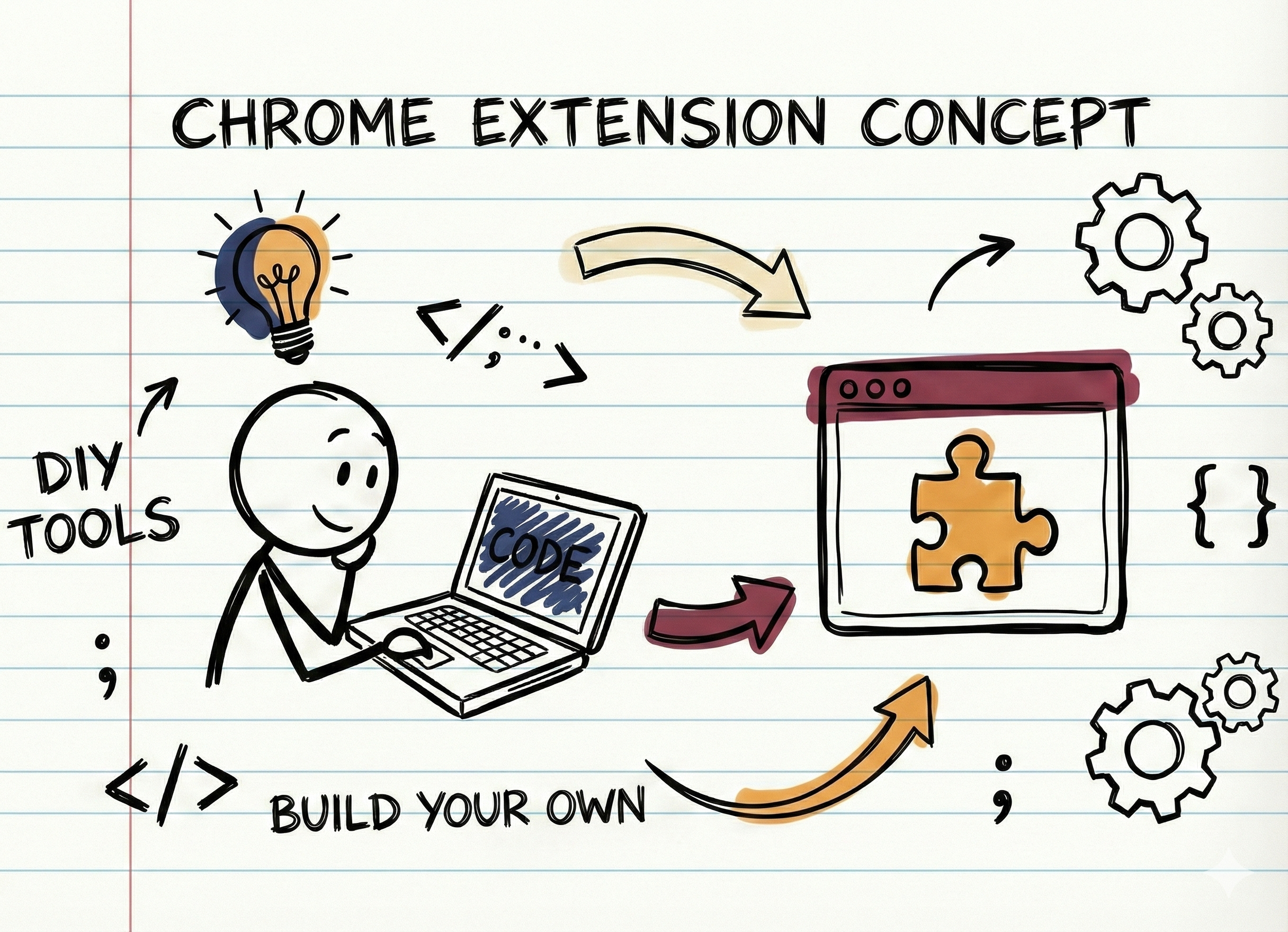
Last year I paid $1,000 to have a Chrome extension built for me.
Last week I built one myself in an afternoon. For free.
The tool: A Notes scheduler for Substack, something my audience has been asking for. And today I’m giving it away free + showing you exactly how I made it.
This isn’t really about scheduling Notes. It’s about never paying for simple tools again.
Ready to build some tools?
Learn from AI experts in Cozora

I co-founded Cozora. It’s THE AI learning community for people who want to stay on top of AI.
We built Cozora to solve a problem we all share: too much AI information, not enough implementation. Instead of static courses, you get live weekly sessions where industry experts show you their actual workflows in real-time.
If you’re a premium subscriber to Level Up with AI or Wander Wealth, you get 50% off. That’s $360/year saved. Join me and I’ll send you the code right away.
How to Build Your Own Chrome Extension with AI (Step-by-Step)
Let’s run through the set-up step by step.
Step 1: Tell Claude What You Need
Go to Claude and describe what you want to build. Keep it simple:
Help me build a new chrome extension tool for Substack. I want so schedule Notes in advance.Claude will create all the code files for you, even the icons. Download everything as a zip file.
That’s what Claude responded, including the Core Features listed:
Schedule Notes — pick date/time, write your Note, queue it
Draft management — save, edit, delete scheduled Notes
Queue view — see all upcoming scheduled Notes
Local storage — everything persists in browser storage
Clean UI — matches Substack’s aesthetic but with your personal touch
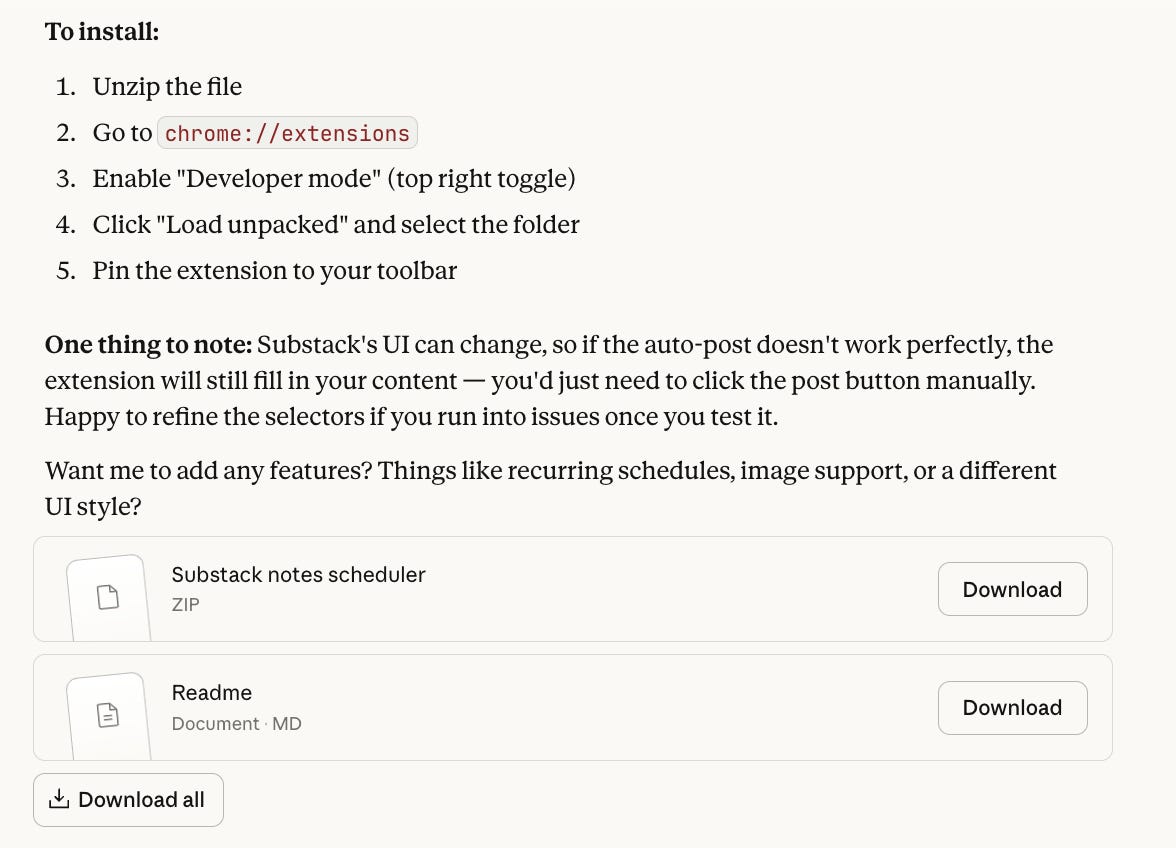
Try it out. Does it work? Great, you’re done!
If not, move to Step 2.
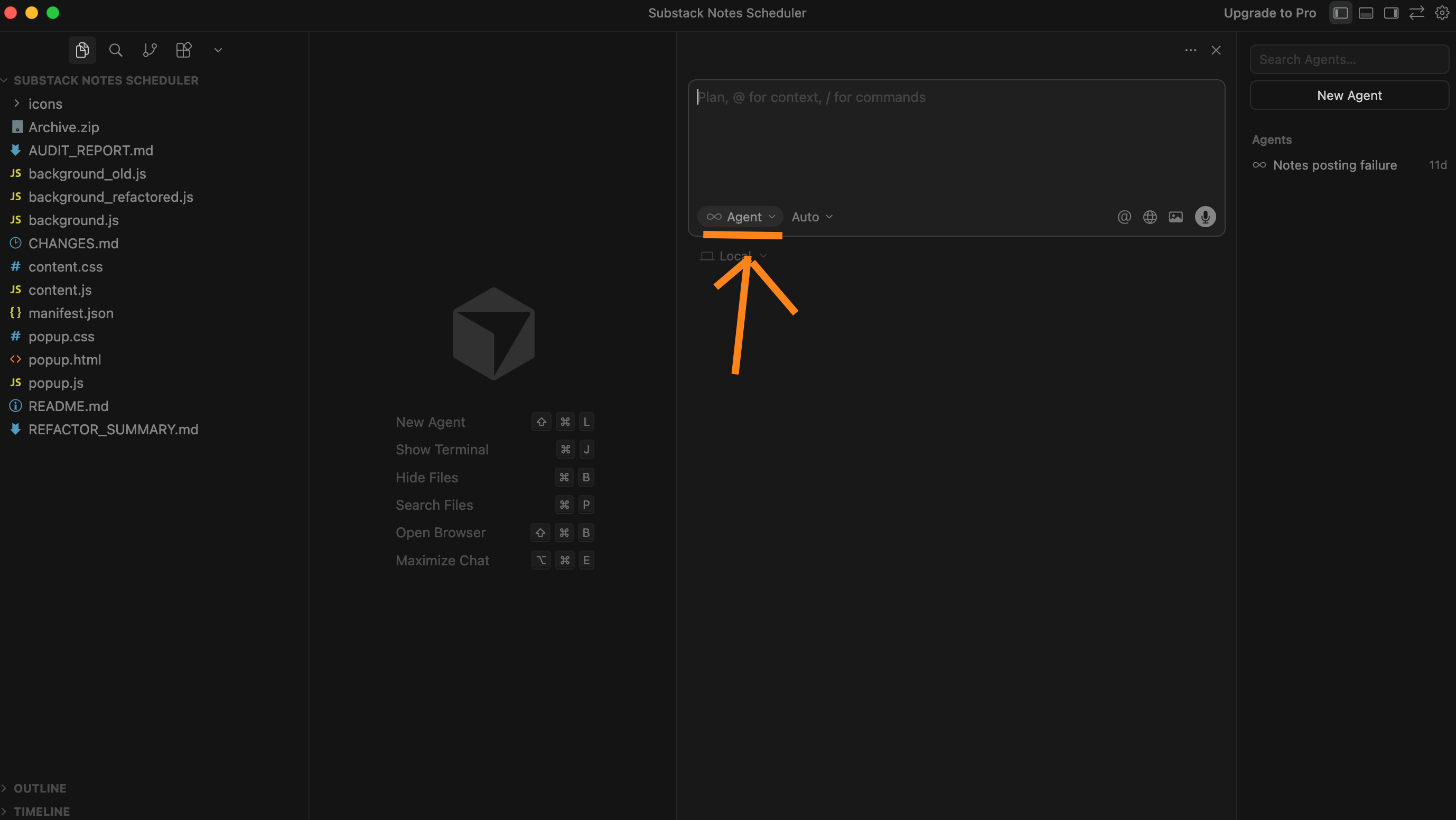
2. Debug with Cursor (AI-Powered Code Editor)
Download Cursor — it’s a code editor with AI built in.
Open Cursor
Go to File → Open Folder and select your extension folder
Switch to Agent mode in the chat
Ask: “Help me analyze why this extension doesn’t work. Run through it and tell me what’s wrong.”
Hot tip: If you are stuck at some point, e.g. you don’t know how to open a folder in Cursor - just go to ChatGPT or Claude and ask them to run you through the steps. “I need help to open a folder in Cursor. How do I do this?”
Give Cursor More Context
Sometimes the AI needs to know exactly what elements it’s working with on a webpage.
How to inspect Substack’s page:
Go to substack.com
Right-click on the Notes composer box
Click Inspect
Copy the relevant HTML element info
Paste it into Cursor: “This is the element where users type their notes. Update the code to target this.”
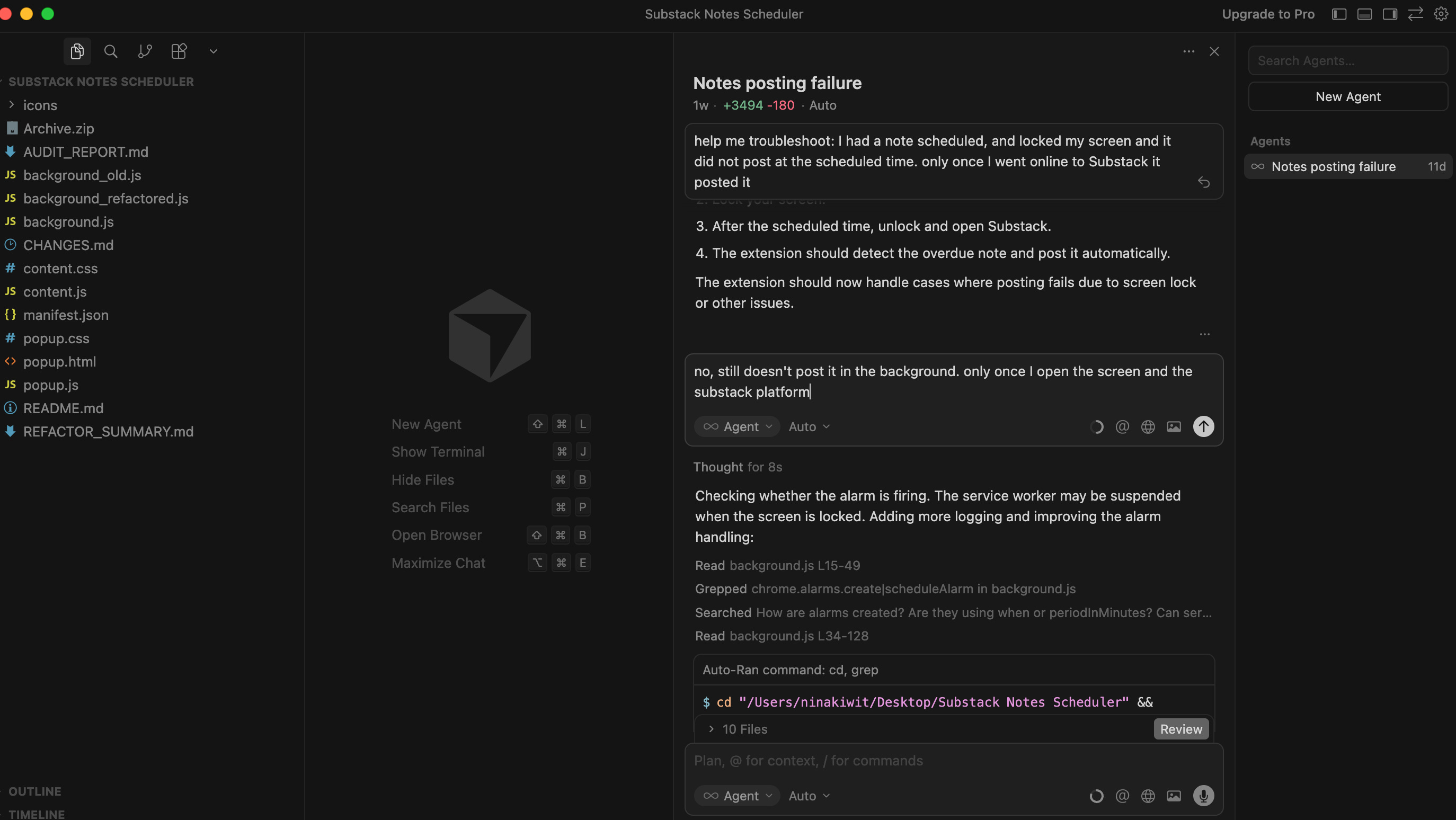
You can go inside cursor and just tell it what to do - what does and does not work and it will fix the code.
For example, I told it that I also want a functionality where it can upload images.
3. Trial and error.
The final step is to refresh your zip-file to chrome extensions locally (btw you don’t need a google developer account if you don’t want to actually make people download it). You can just use your extension locally.
Go to
chrome://extensionsClick the refresh icon on your extension
Test again
Still seeing errors?
Check the Chrome Extensions page for red error messages
Copy those errors and paste them into Cursor
You can even screenshot errors and upload the images to Cursor
And voila! We are done.
This is how you develop your own Substack Notes Extension.
As said, you can simply use mine for free.
Or take a look at the Substack Automated Messaging System to welcome my new subscribers, which was a bit more difficult to build.
Was this helpful?
I'm giving this away for free, so it would mean a lot if you left a comment or shared this post. And if you try building your own extension, let me know how it went — I love seeing what people create.
Want to go deeper with AI?
As a paid subscriber, you get my direct feedback on your AI setup + 50% off Cozora, the AI learning community I co-founded.
Every week, AI experts join us live to show exactly how they’re using AI right now. Don’t get left behind. Learn AI with others who are actually building things.
I have been looking for one for a little while. Thank you so much Claudia.
That's awesome, thank you Claudia!